Capacity / Jira
Make room for great work.
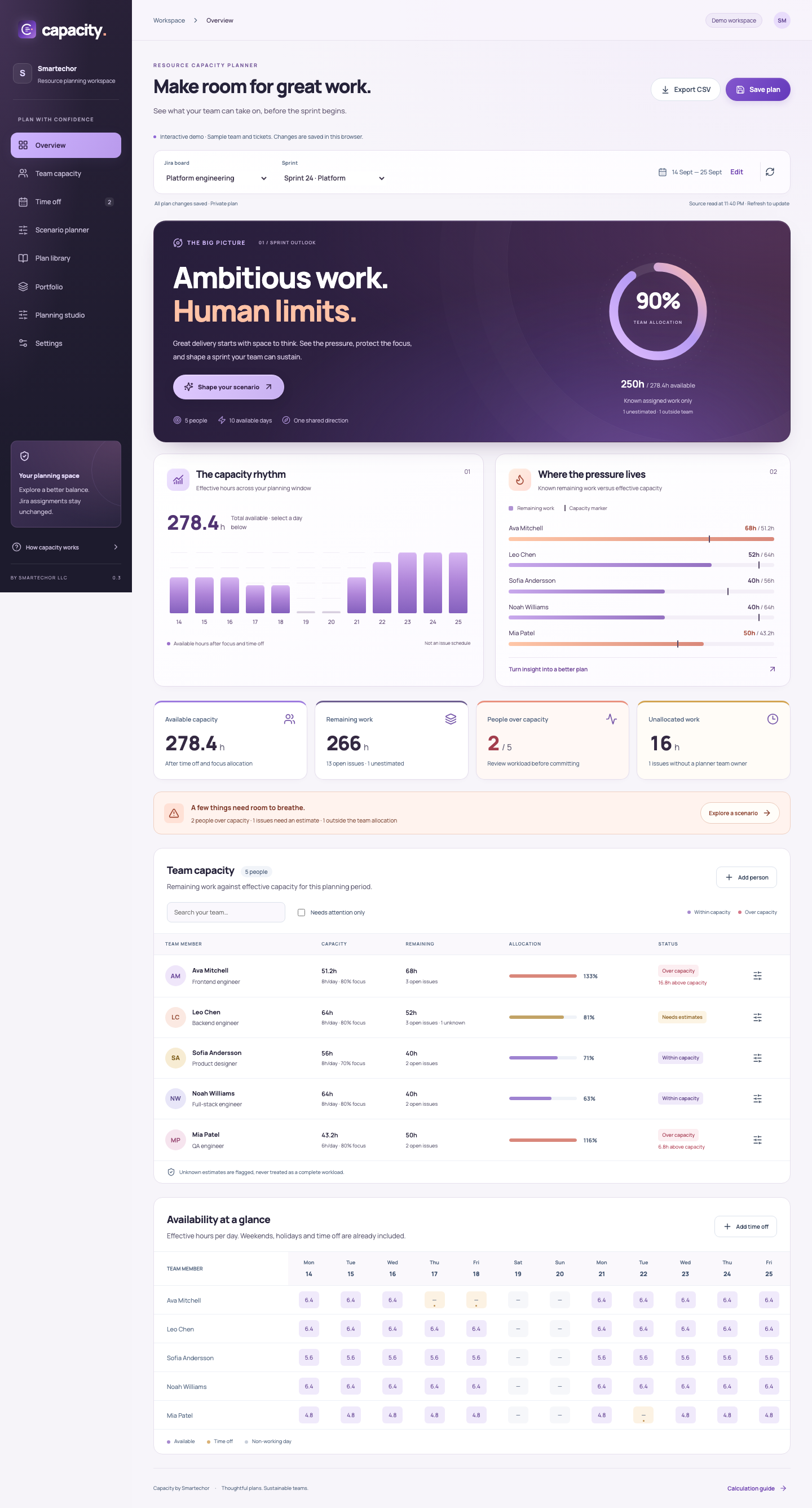
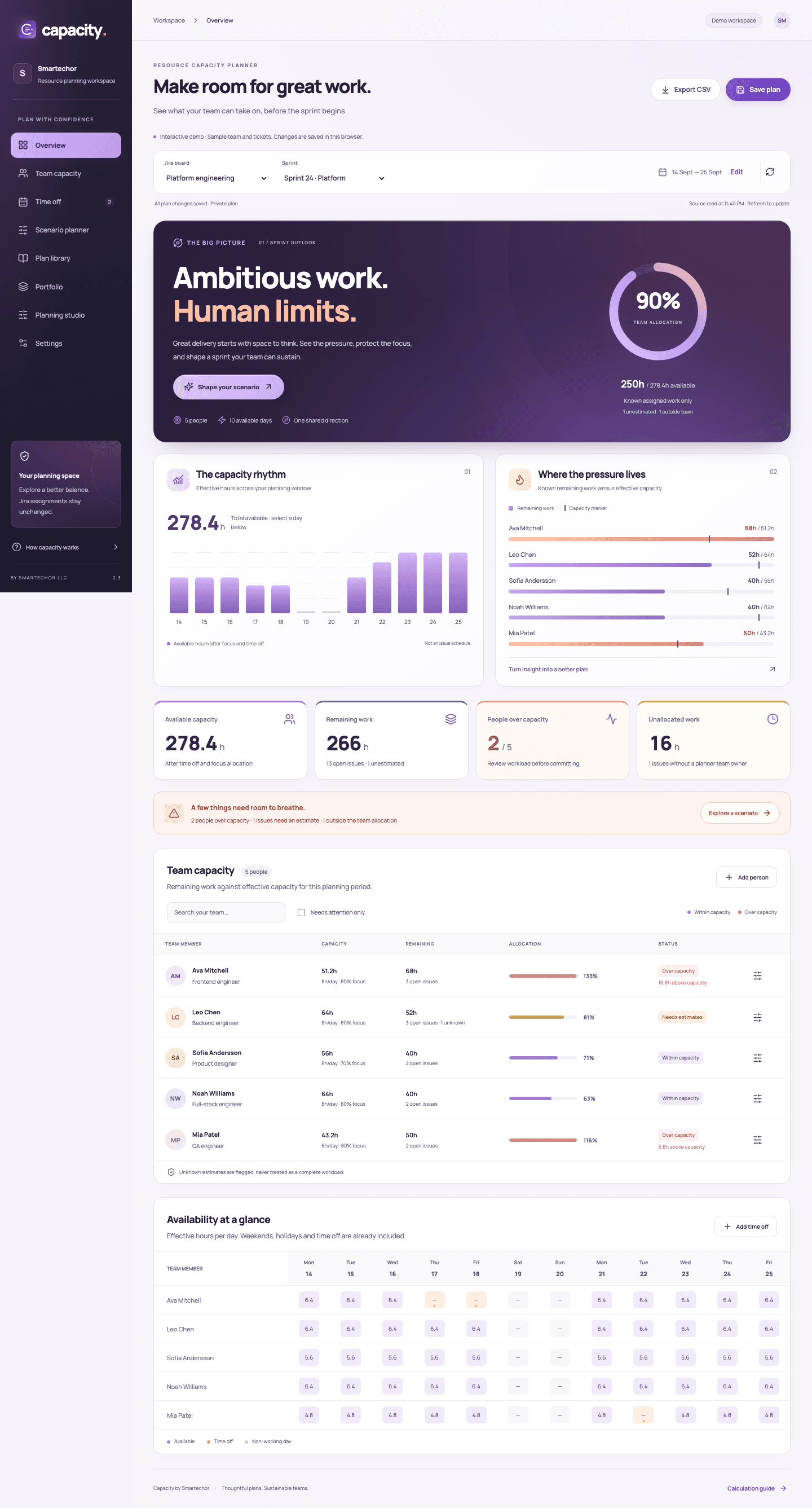
See what your team can take on before you commit. Capacity brings available hours, remaining Jira work and planning decisions into one visual workspace.
01
Ambitious work. Human limits.
A sprint plan is only as useful as its assumptions. See the hours available, the work still remaining and the estimates that are missing—so the conversation starts with a clearer picture.
02
Start with the time people actually have
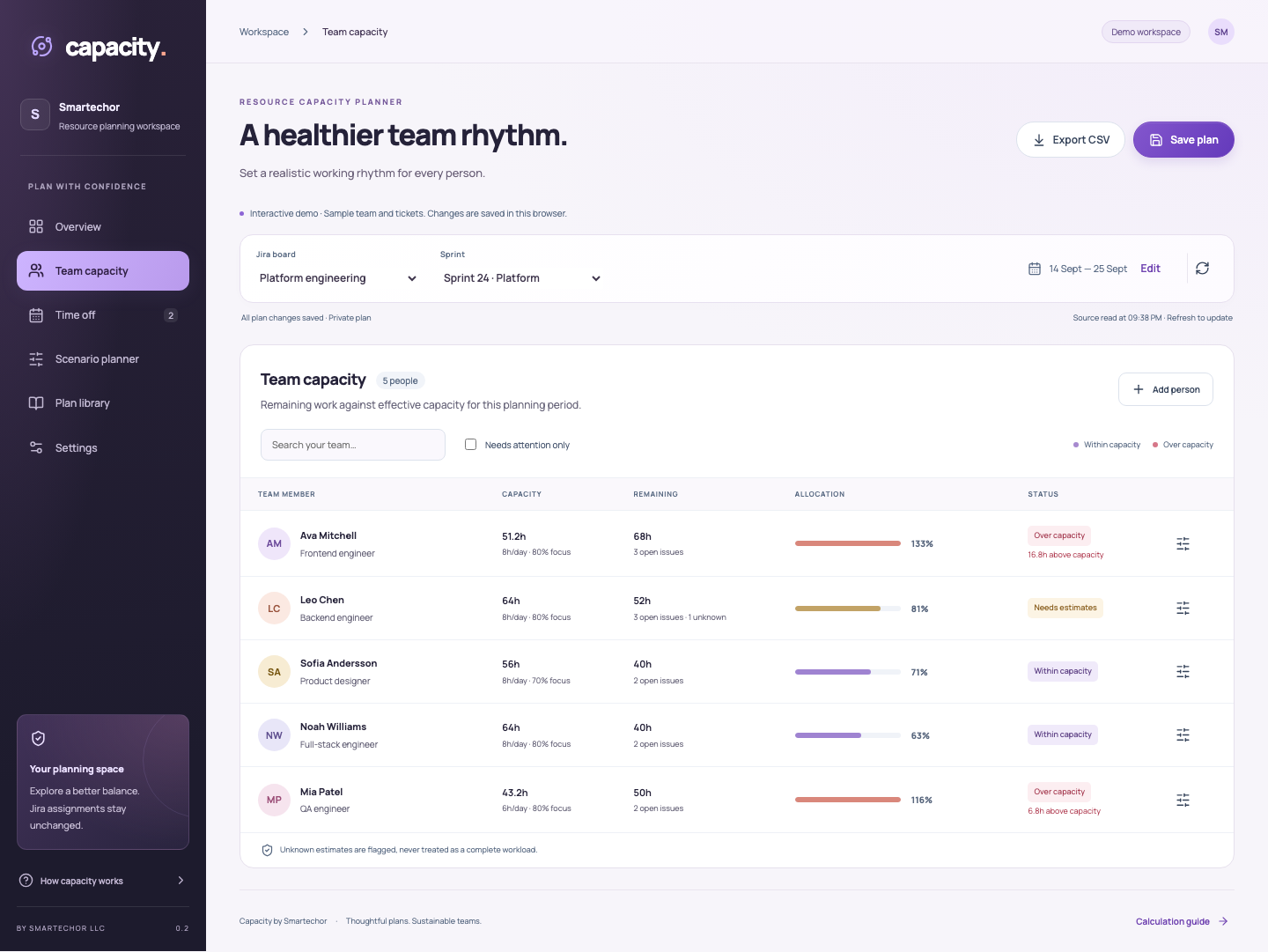
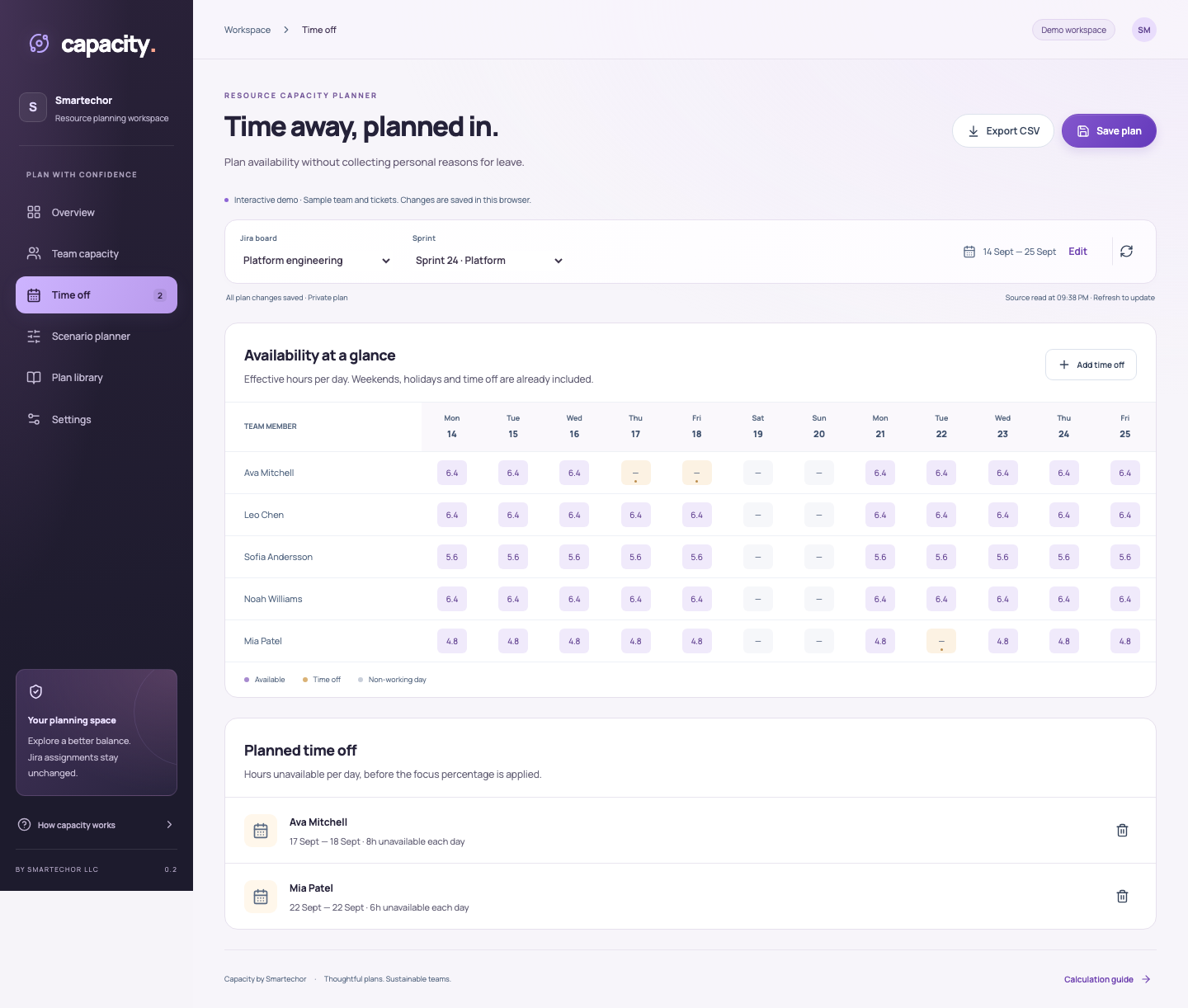
Set working hours and focus allocation. Add holidays and time off. Review available hours by person and date in a visual calendar. You do not need to record medical or personal reasons for an absence.
03
See pressure before committing
Compare remaining Jira time estimates with available capacity. Spot overloaded people, unassigned work and missing estimates. Logged time is shown separately; it is not subtracted twice from remaining work.
04
Explore a different plan
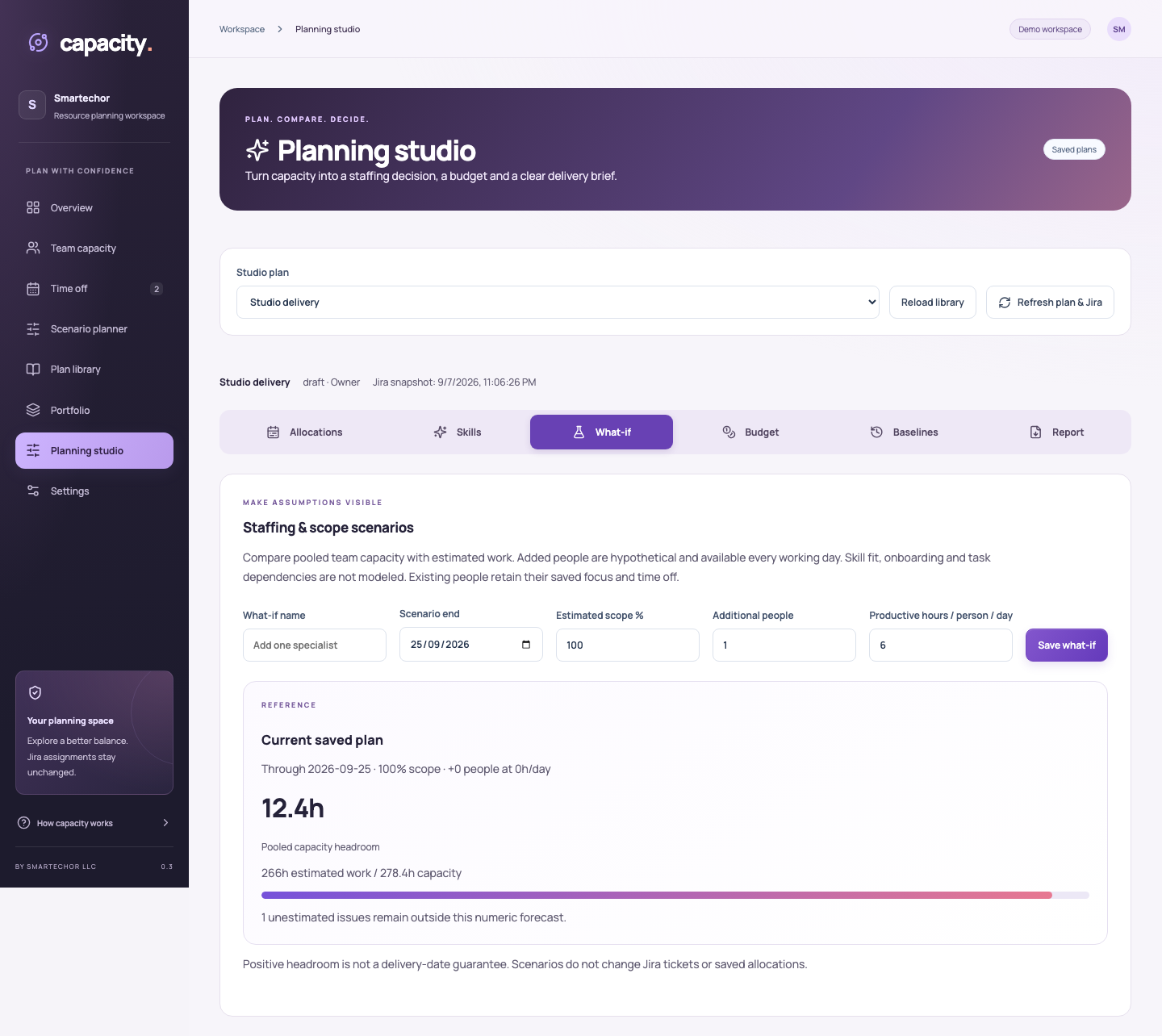
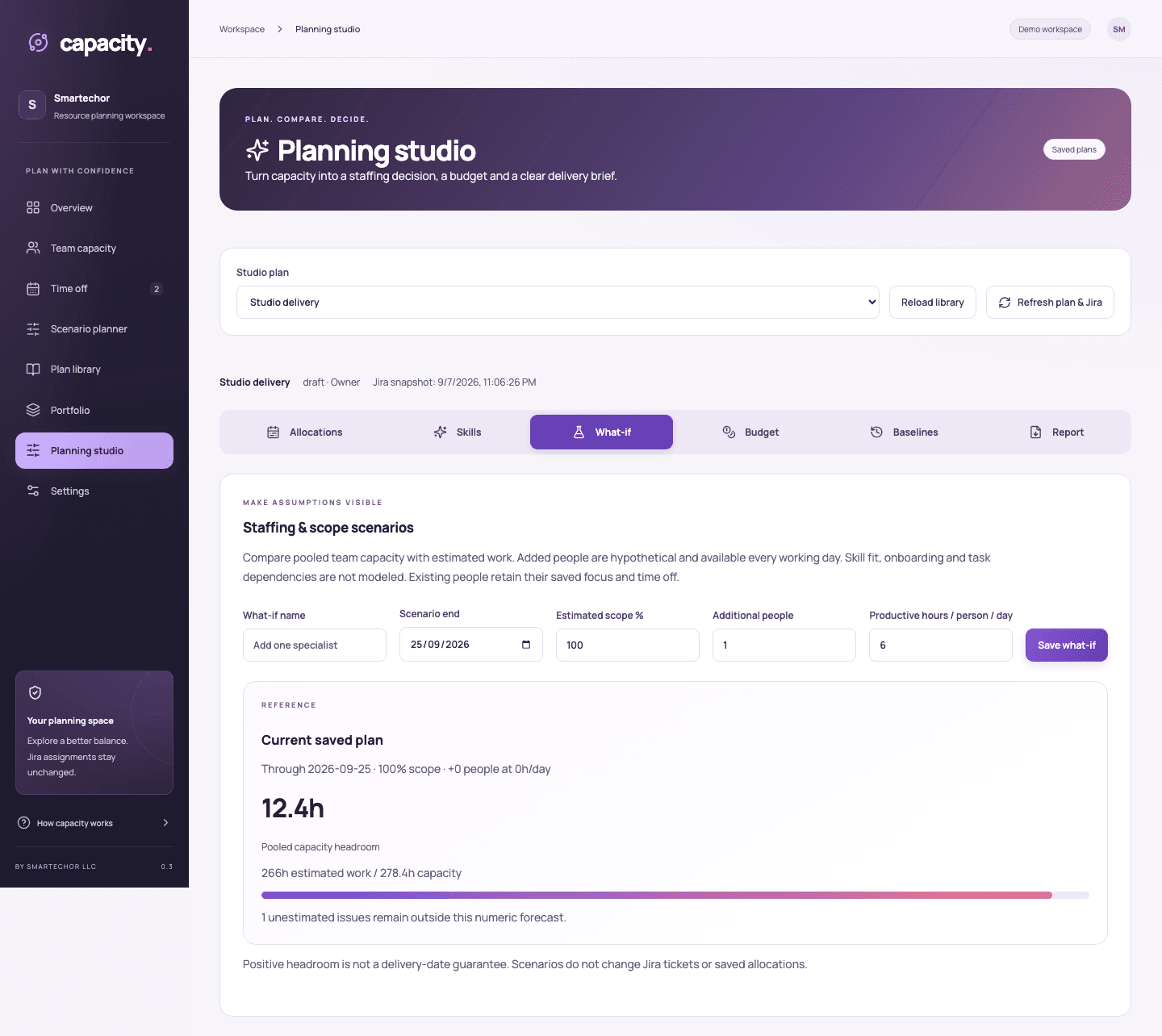
Try assignment changes without editing Jira issues. Save named scenarios and compare their effect on workload. Explore staffing, scope and planning-window assumptions in the Planning studio, with unknown work kept visible.
05
Give the team a shared direction
Keep multiple library plans. Grant viewer or editor access, submit settings for review and lock an approved plan until its owner reopens it. Saved activity records help explain how the plan changed.
06
See commitments across plans
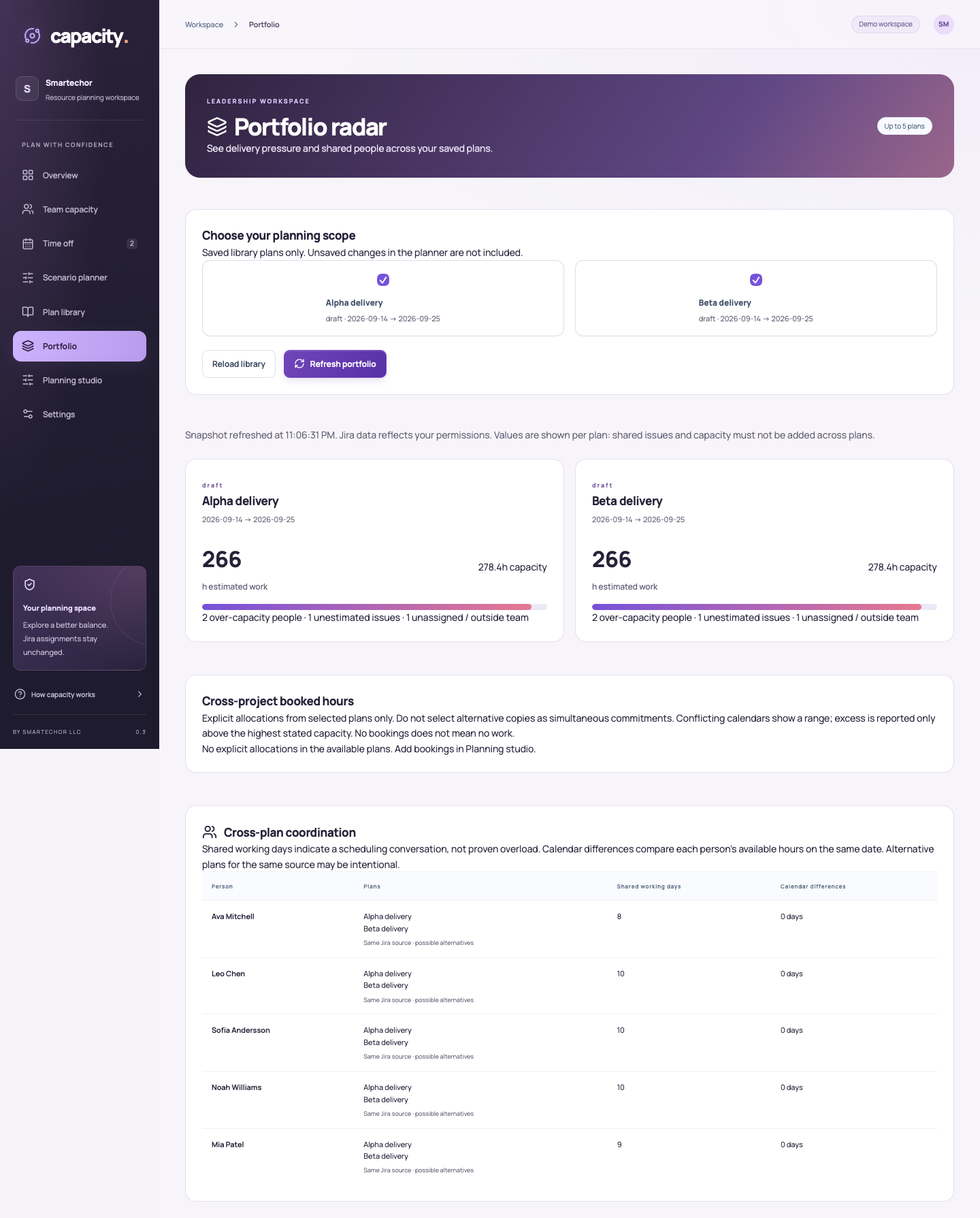
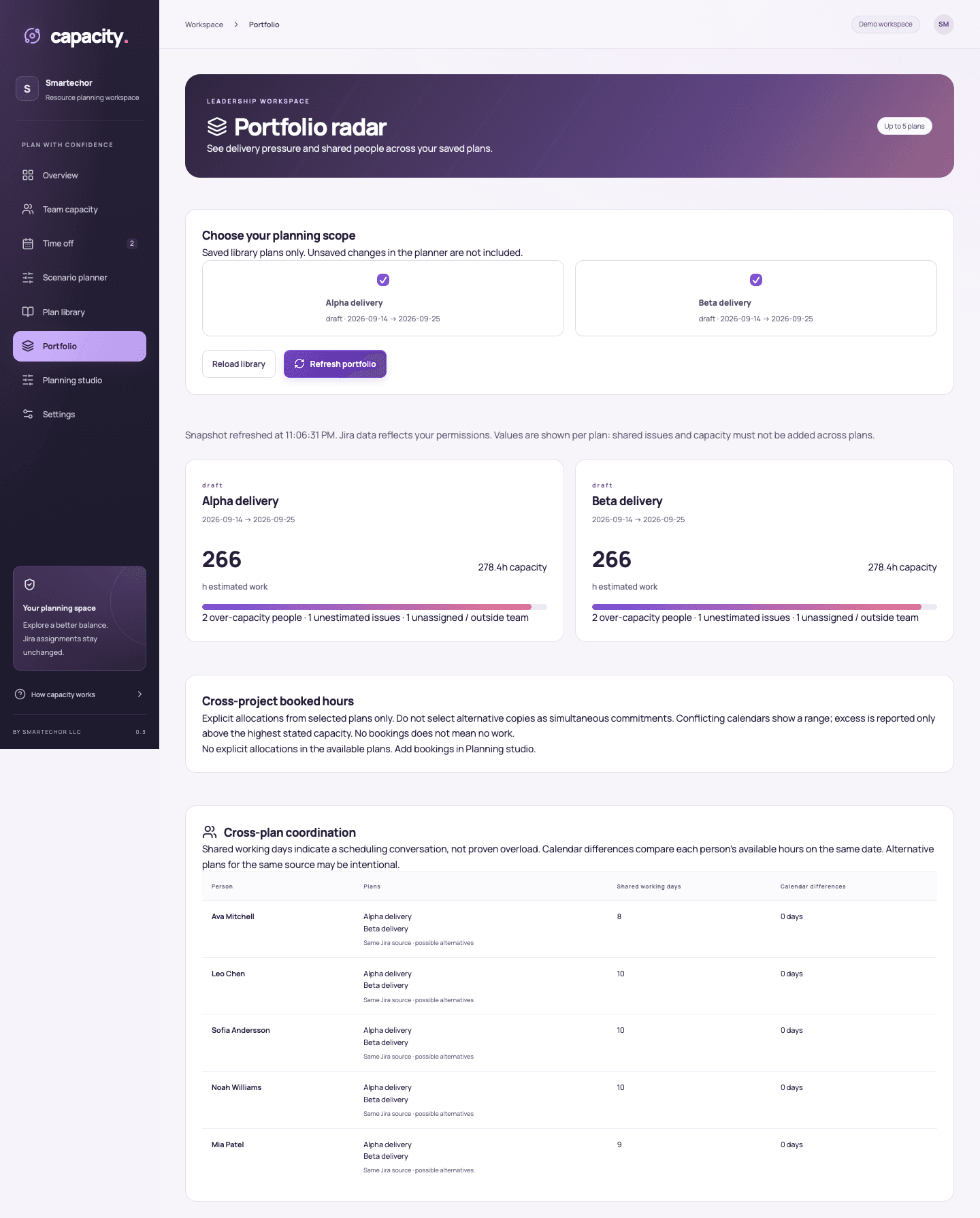
Book hours by person and date. Compare explicit allocations across selected portfolio plans and identify conflicting capacity assumptions. Keep each plan's Jira workload in context instead of treating overlapping sources as one clean total.
07
Add business context
Owners can maintain private budgets, hourly costs and manual actual costs. Missing estimates and rates remain visible. Capture private workload baselines and compare compatible snapshots to understand changes in the plan.
08
Make the review easier to share
Export a CSV or generate an executive PDF. Present capacity, workload, risks, allocations and scenarios in a document for the planning conversation. Owner-private finance and baseline sections are included only when the owner selects them.
09
Useful for the people around the plan
Team leads: Discuss workload and available time before the sprint begins.
Project managers: Review staffing assumptions and coordinate explicit commitments.
PMO and directors: Get a concise view of plans, risks and the assumptions behind the numbers.
10
How it works
- Select an accessible Scrum board and an active or future sprint.
- Review the planning dates, people, hours and focus settings.
- Add time off and holidays, then refresh Jira workload.
- Explore scenarios or collaborate in a library plan.
- Review commitments and share a CSV or executive PDF.
11
Launch pricing
Prezzi mensili previsti in USD, applicati in modo progressivo.
| Utenti | Per utente / mese |
|---|---|
| 1–100 | $3.49 |
| 101–250 | $2.29 |
| 251–1000 | $1.49 |
Tutte le funzionalità attuali sono incluse. La configurazione sul Marketplace è in corso. I prezzi annuali e le fasce oltre 1’000 utenti saranno confermati prima della vendita. Qui non viene riscosso alcun pagamento; le condizioni di fatturazione definitive e le imposte applicabili saranno indicate sul Marketplace.
Uno sguardo più da vicino.
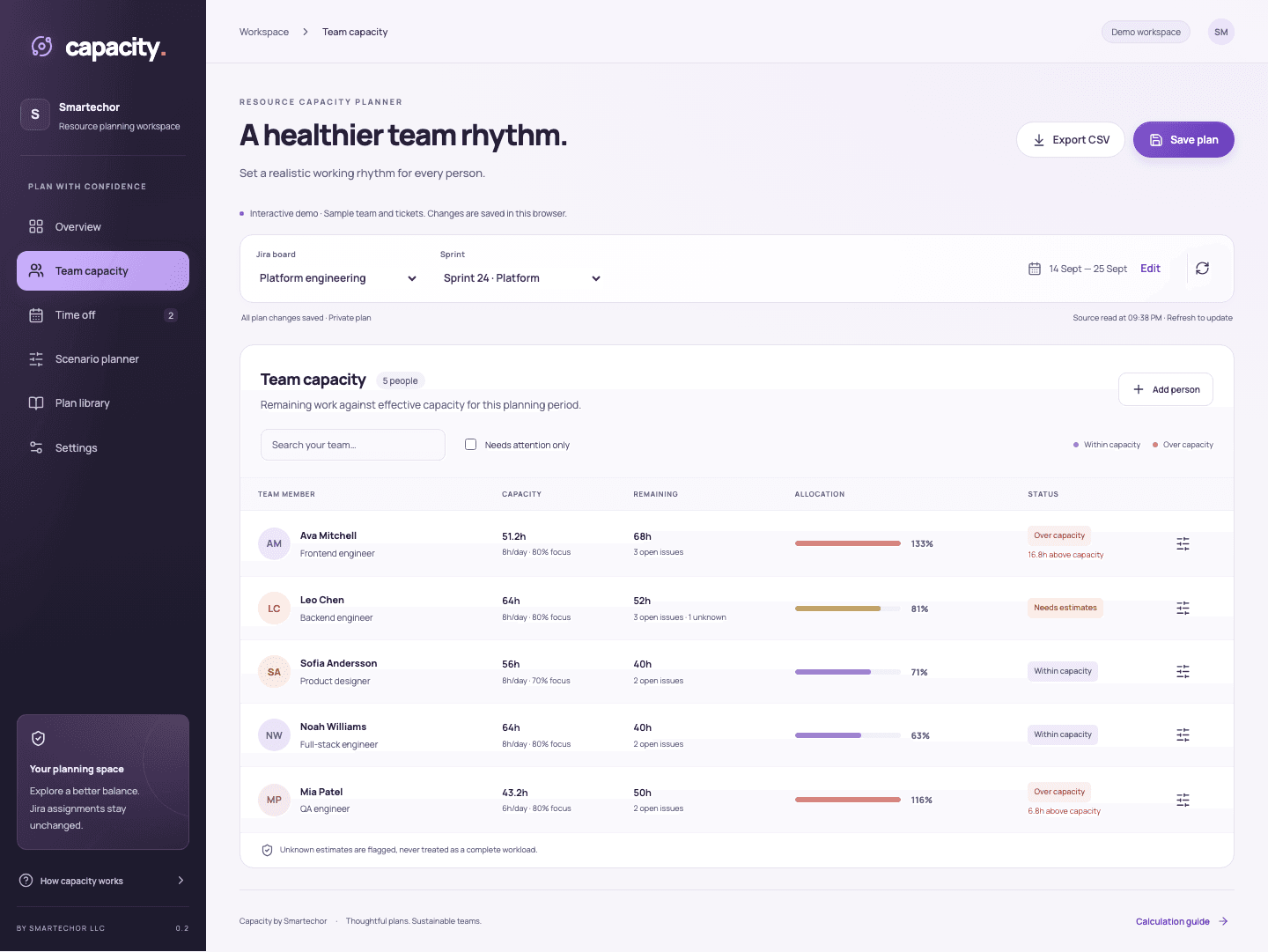
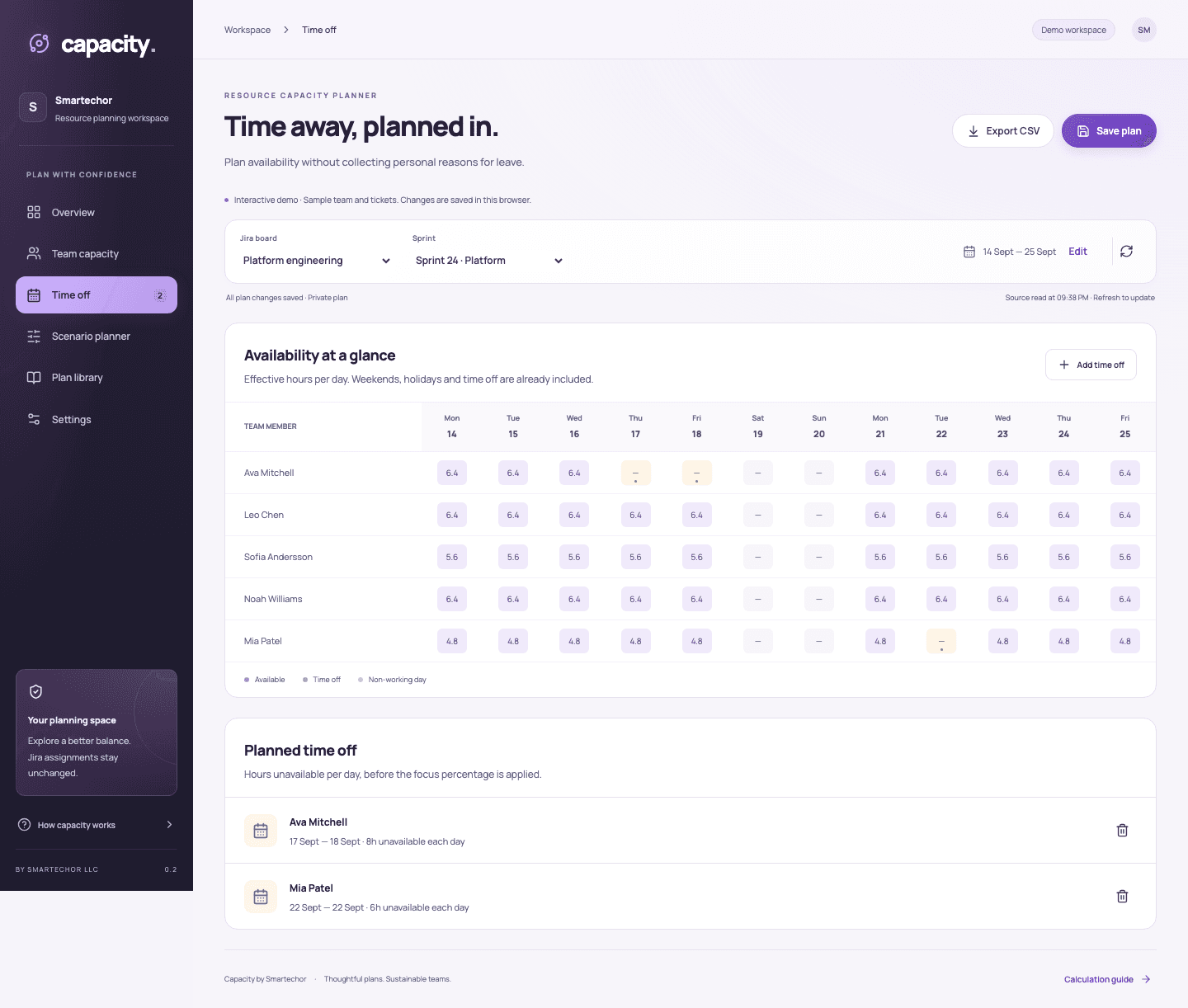

Documenti PDF di esempio
Contenuti dimostrativi — non sono documenti reali di clienti.
Domande frequenti
No. Jira access is read-only. Proposed assignments remain in Capacity plans.
No. Hours, holidays and time off are entered manually in the current version.
No. Use Refresh Jira data. Collaborators reload to see saved changes; this is not simultaneous live-cursor editing.
No. It uses remaining time estimates. Missing estimates stay visible as unknown work.
No. Finance and baseline details are owner-only in shared plans. Owners control whether those sections are included in an exported report; recipients can see whatever the owner includes in the downloaded file.
No. They show the effect of planning assumptions. Results depend on the source estimates and the available data.
One board/sprint per plan, up to 100 people, 62 calendar dates, 300 time-off entries and 1,000 sprint issues. Portfolio comparisons support up to five selected plans. Reads beyond the supported issue limit fail rather than presenting incomplete totals.
In Atlassian Forge hosted storage. Downloads and support email are separate channels. See the app privacy notice when published.