Change Order Desk / Jira
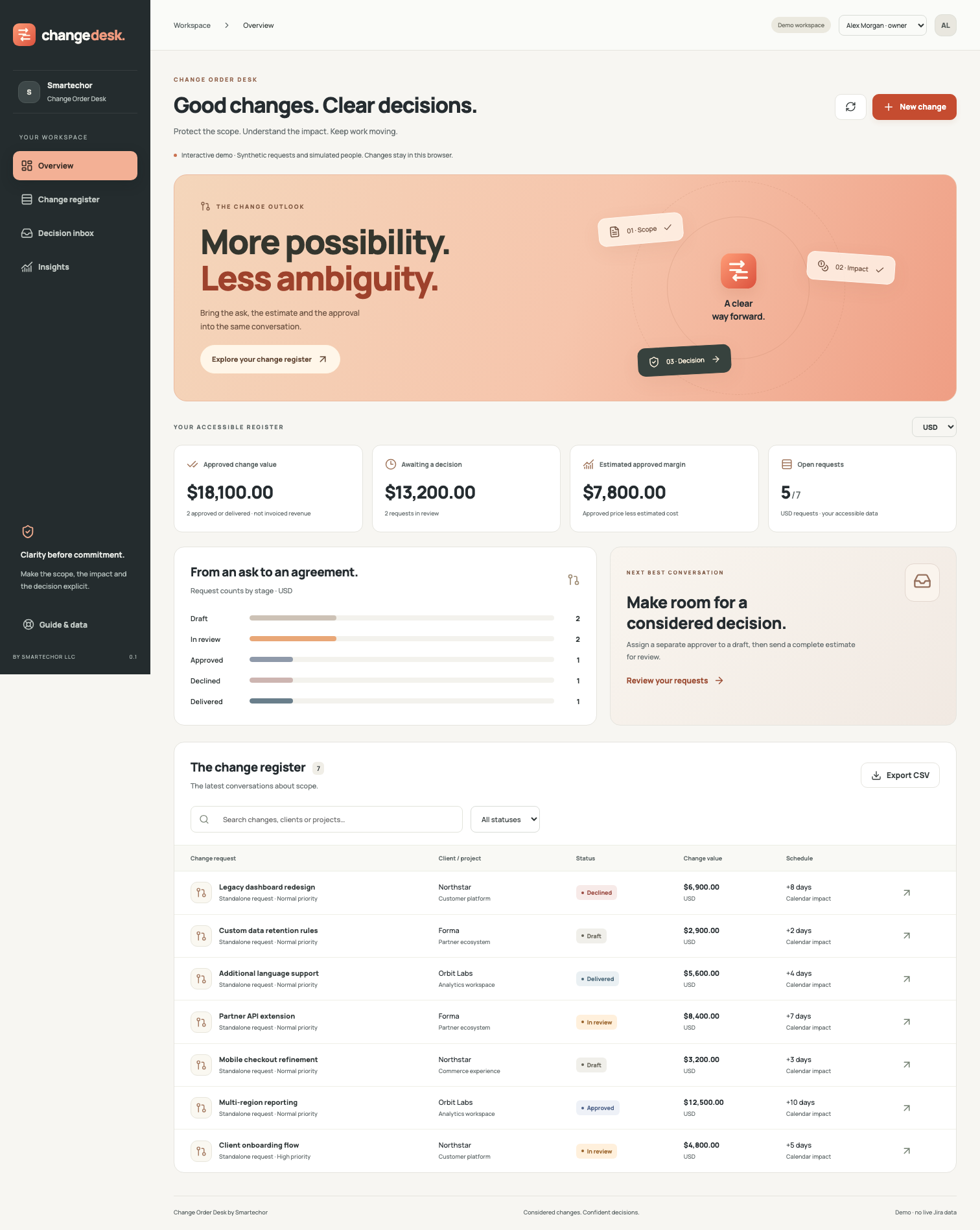
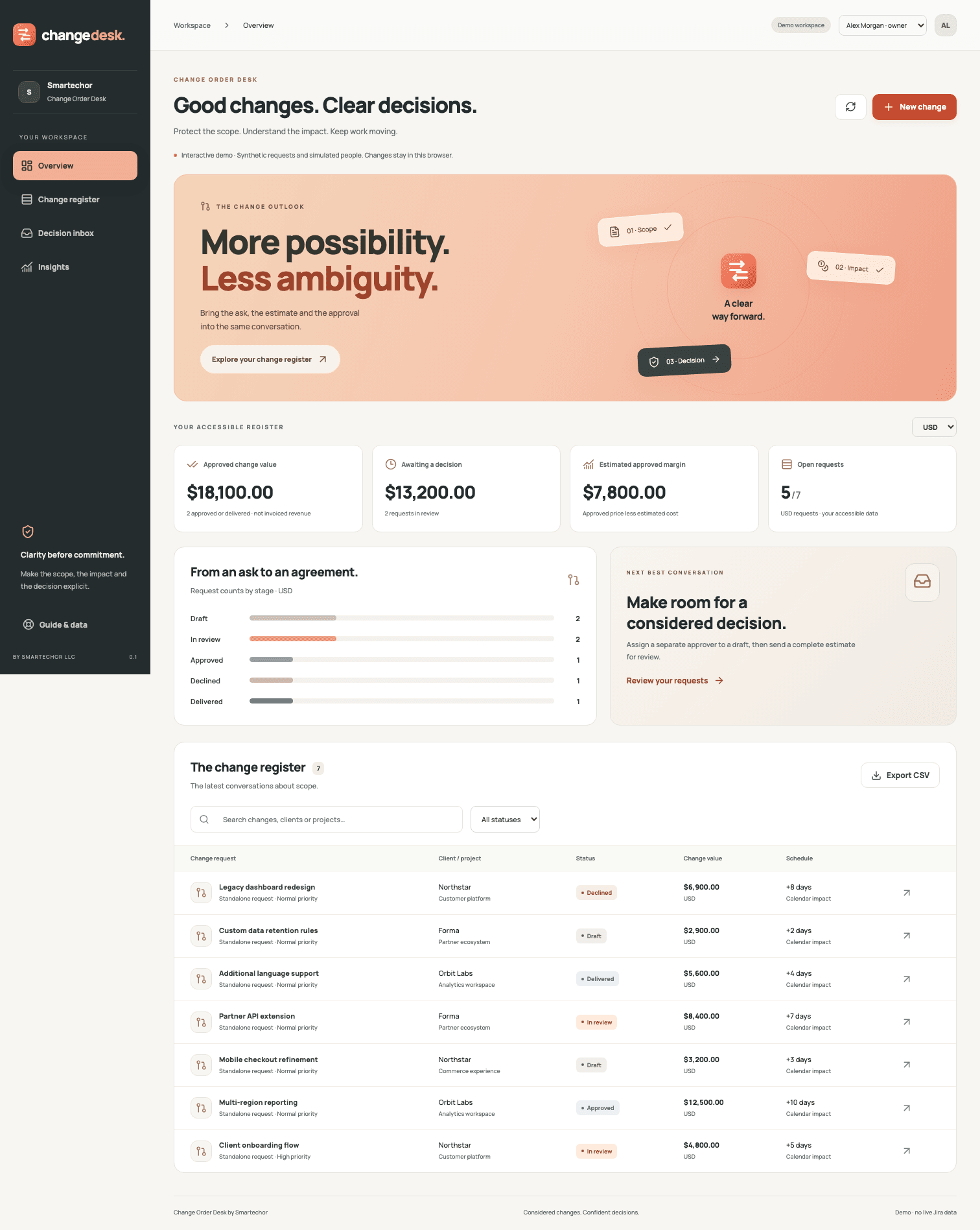
Good changes. Clear decisions.
Bring the request, the estimate and the internal decision into one considered workspace. Make additional work easier to understand before your team commits to it.
01
A clear conversation about additional work
A change in scope should start a clear conversation. Change Order Desk helps teams capture what is changing, understand its commercial impact and record who approved the saved proposal. A visual register and a dedicated decision inbox keep the next step in view.
02
Define the change, in plain language
Describe the reason, included scope and exclusions. Add a client, project, priority and optional Jira issue. New requests are private until you explicitly share them.
03
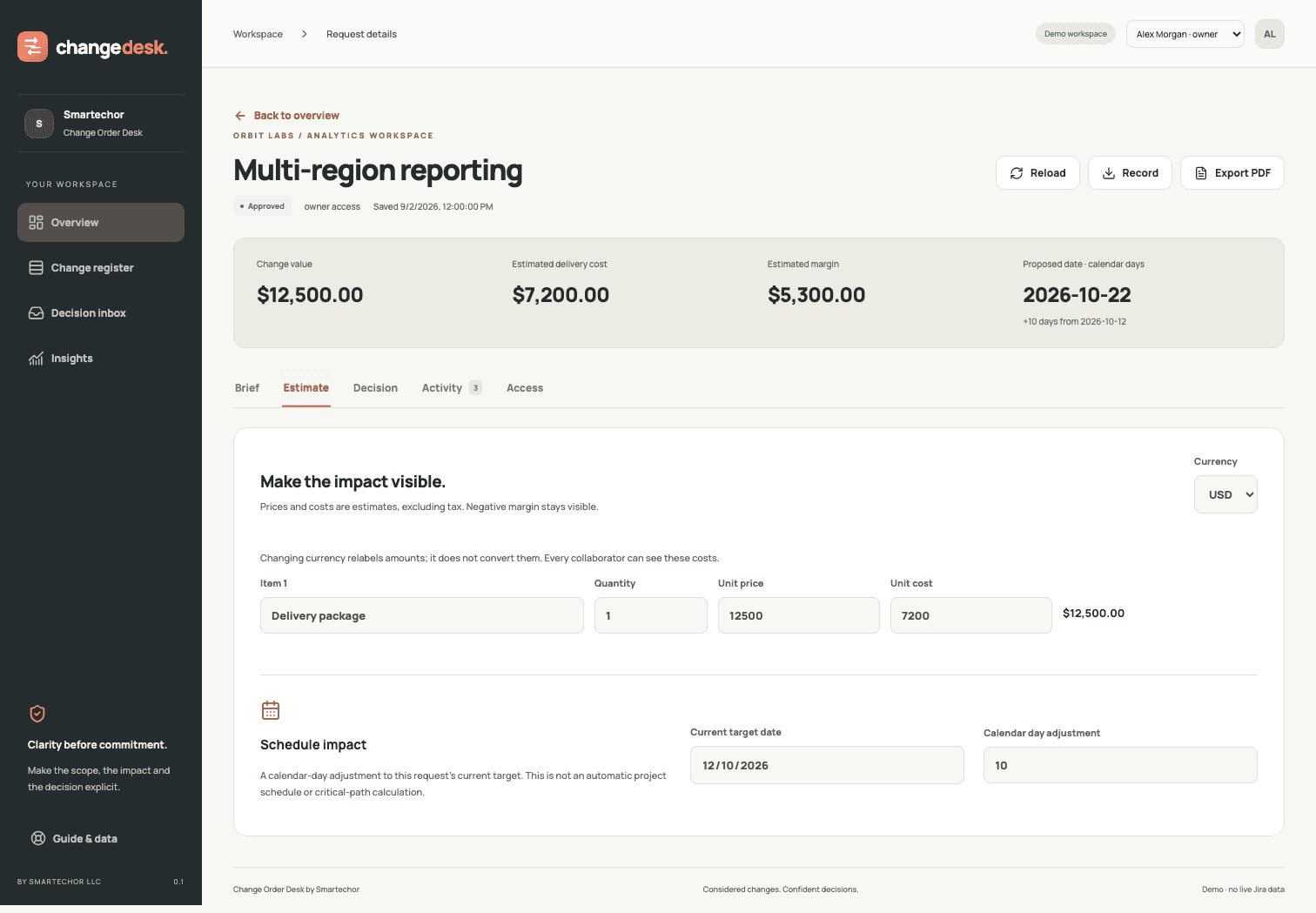
See the commercial impact
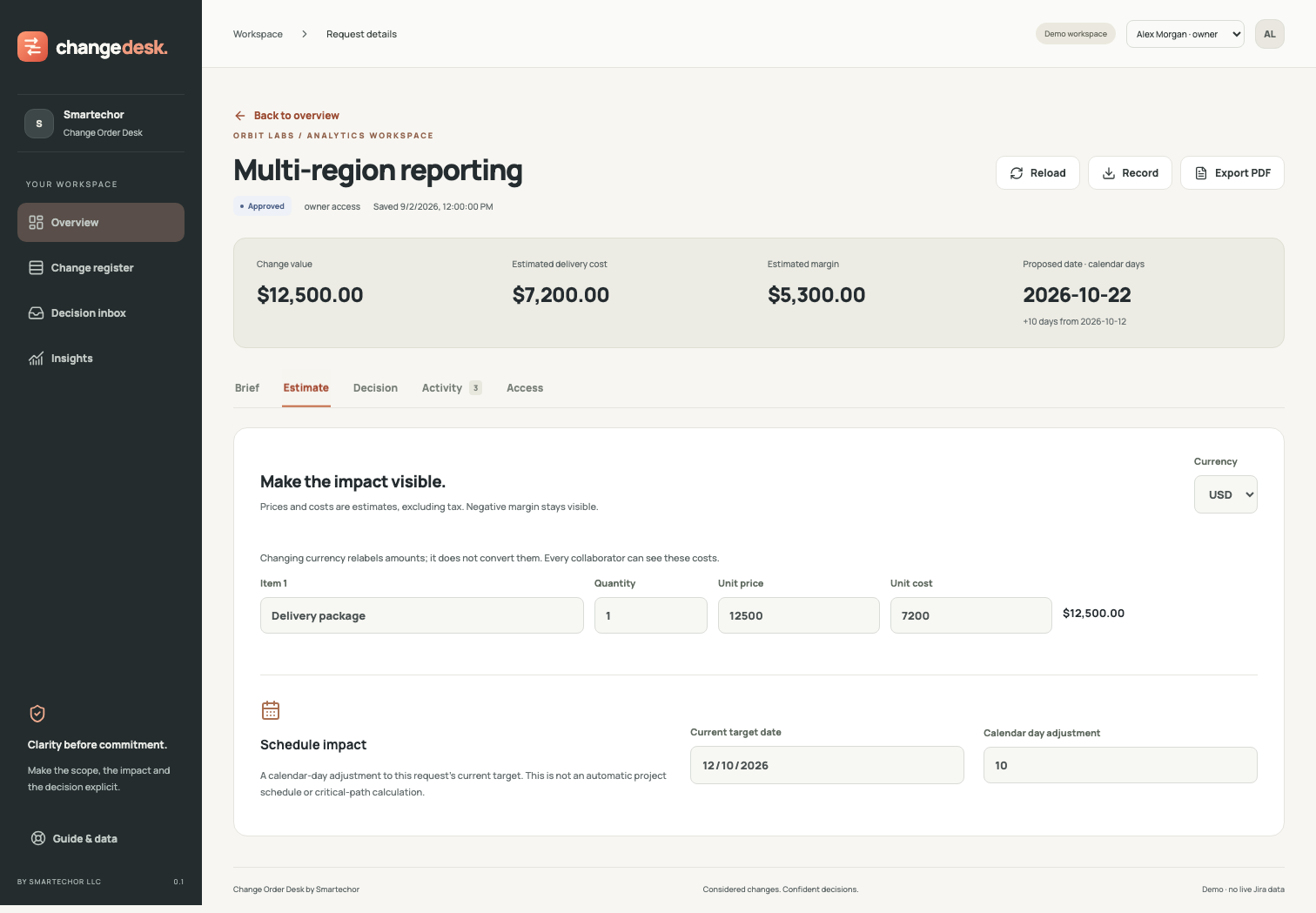
Build an estimate with quantities, unit prices and internal delivery costs. Review the total change value and estimated margin. Keep USD, EUR and GBP reporting separate, with no hidden currency conversion.
04
Make the schedule assumption explicit
Record a proposed calendar-day adjustment against the current target date. See the resulting date alongside the estimate, so the timing assumption is part of the conversation.
05
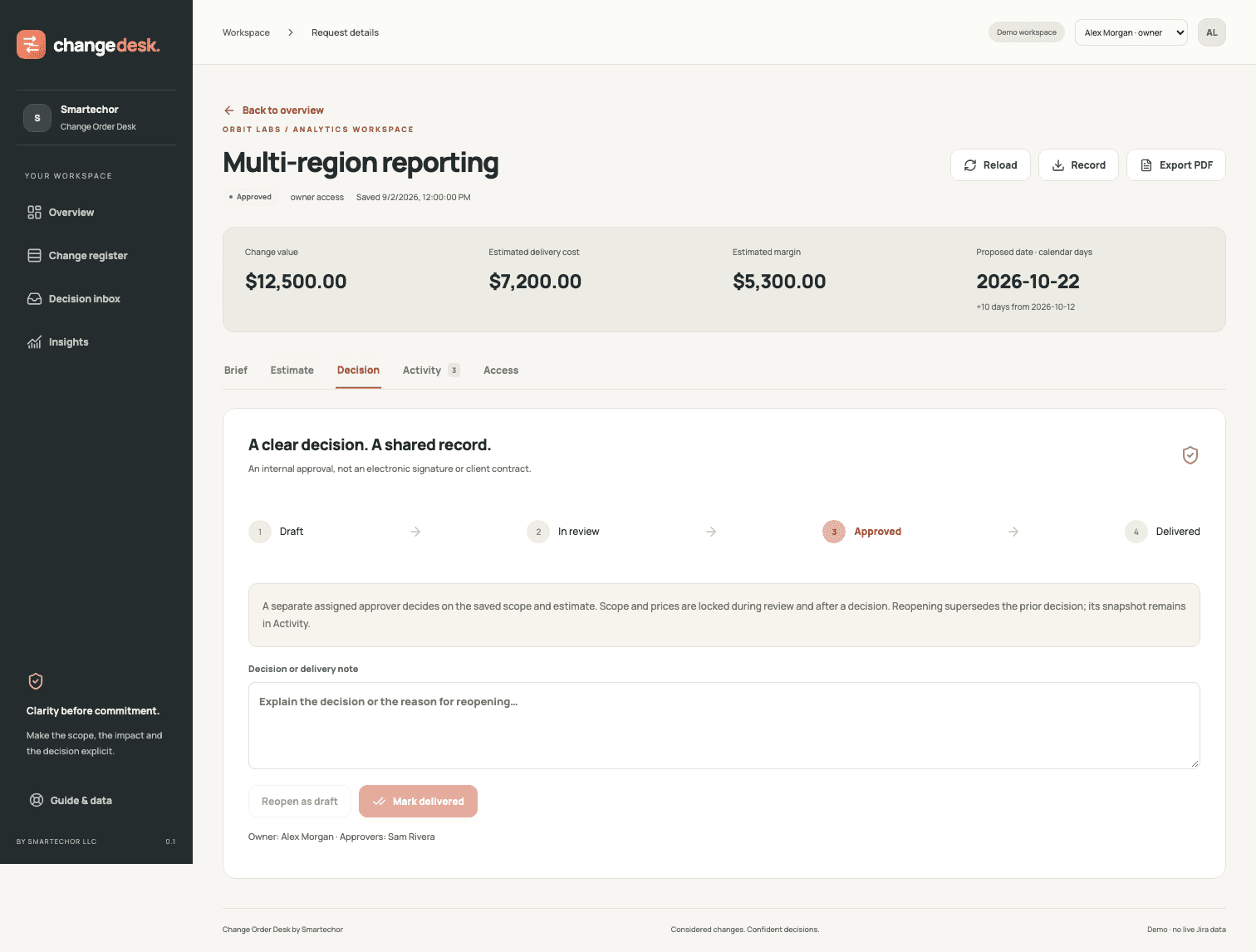
Put the decision in the right hands
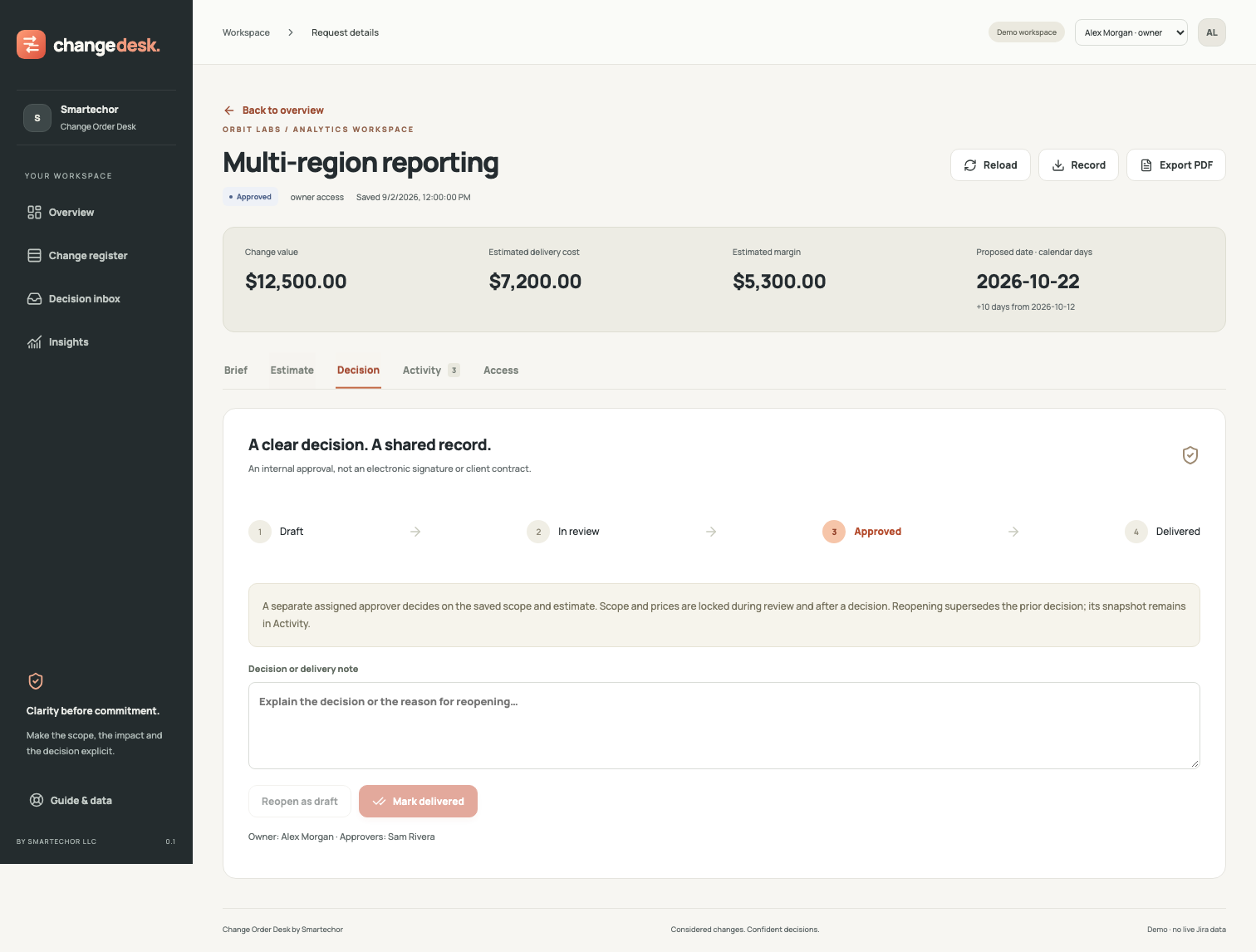
Assign an existing Atlassian account as a separate approver. Submit the saved scope and estimate for internal review. Approving or declining requires a note; the request owner cannot approve their own request.
06
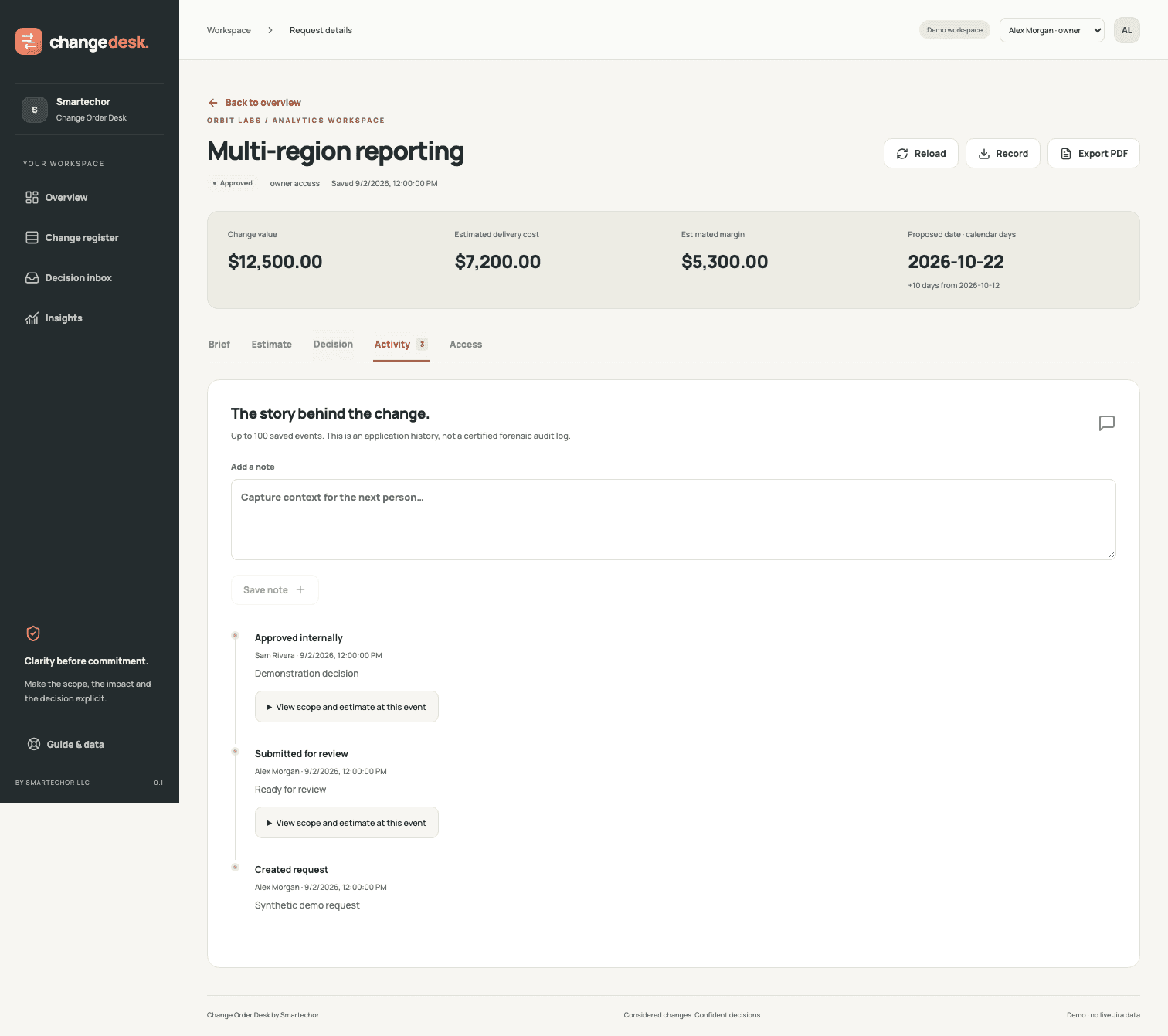
Keep the decision attached to its context
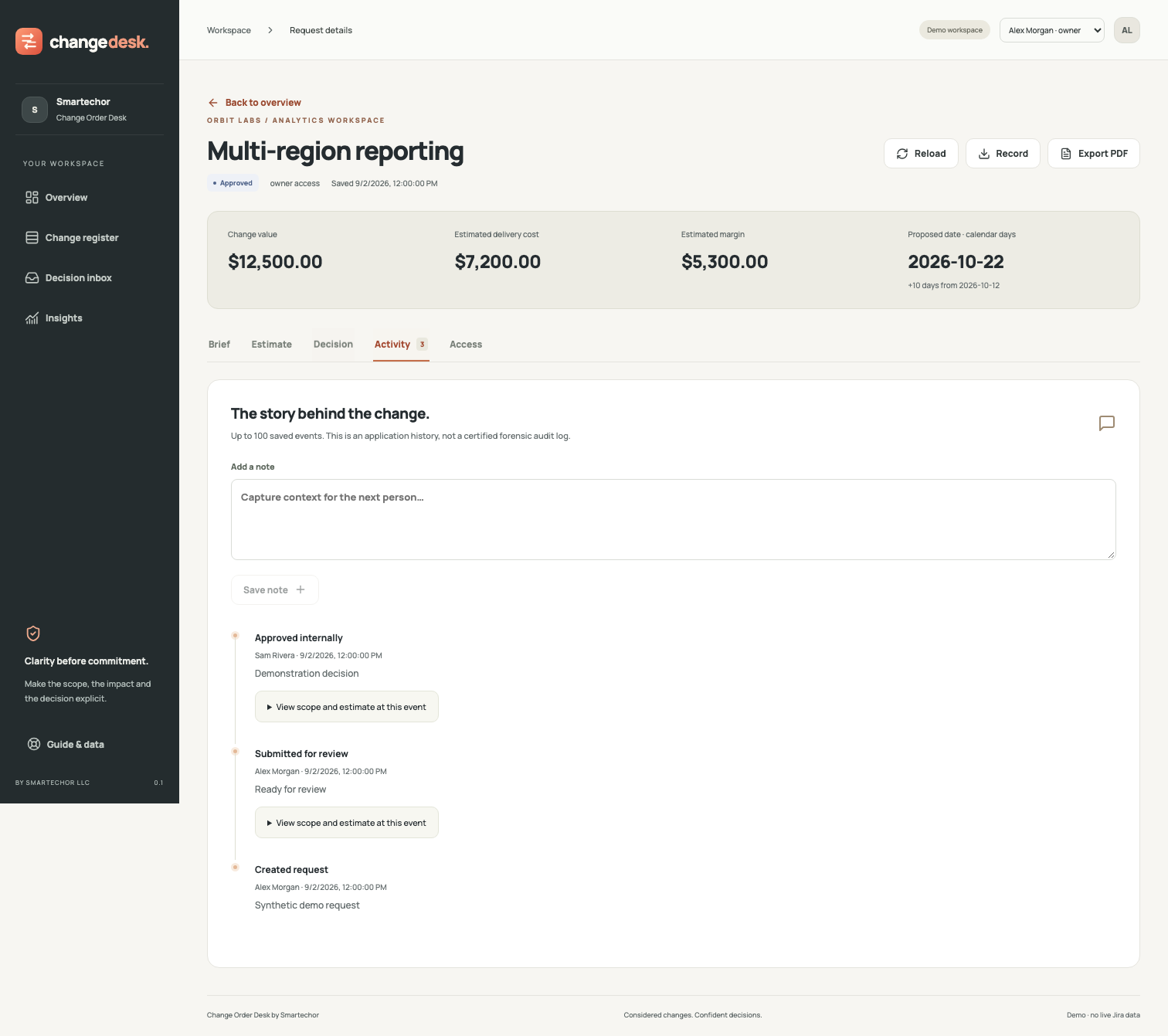
Scope and estimate are locked during review. Submitted and decided snapshots preserve the proposal being reviewed. Reopening supersedes the previous decision while retaining its historical snapshot.
07
Give every conversation a clear place
Move between the overview, searchable change register, decision inbox and insights. Filter requests by status and review values in the selected currency. Owners can mark approved work as delivered.
08
Share a useful record
Download a PDF decision brief, export a full request or historical snapshot as JSON, or export the accessible register as CSV. Downloads recheck access; exported files are then under your control.
09
Control access and saved data
Choose owner, editor, approver and viewer responsibilities. Linked Jira issues are checked with the signed-in user’s permissions. Owners can erase a request, including through an ID-only recovery list after losing access to its linked issue.
10
Who it is for
Agencies and delivery partners: Give additional client requests a structured scope and estimate before agreeing internally to more work.
Consultancies and implementation teams: Record the proposal, the estimated delivery cost and the internal decision when requirements change.
Project managers and delivery leads: See which changes are in draft, awaiting review, approved, declined or delivered without losing the context of each request.
11
How it works
- Capture the request and explain what is included and excluded.
- Estimate price, delivery cost and the proposed date adjustment.
- Assign collaborators and a separate internal approver.
- Submit the saved proposal, then record the approval or decline with a note.
- Record delivery after approval, or reopen with a reason when the proposal changes.
12
Designed around explicit access
Request data is stored in Atlassian Forge. The app reads linked Jira issues using the signed-in user’s permissions and does not edit those issues. No external application backend or third-party analytics is configured. PDF generation runs in the browser. All collaborators on a request can see its commercial details, including internal costs. Support email is a separate communication channel.
13
Pricing and availability
Pricing will be announced at launch. Contact us to discuss your team and workflow. No public purchase or installation link is available yet.
Uno sguardo più da vicino.
Documenti PDF di esempio
Contenuti dimostrativi — non sono documenti reali di clienti.
Domande frequenti
Not yet. Change Order Desk is preparing for launch. Contact support@smartechor.com for availability.
No. Decisions are internal workflow approvals. The app does not provide electronic signatures, legally signed client agreements or an external client portal.
No. A separate assigned approver must make the decision.
No. Linking an issue is read-only and does not update Jira fields, status or schedules.
Yes. Every collaborator can read the commercial fields and history. There is no separate field-level restriction for internal costs.
The owner reopens it with a reason. That supersedes the previous decision. The historical decision snapshot remains, and the changed proposal can go through review again.
No. It includes an in-app decision inbox, but no email notifications, invoicing, tax calculation or payment collection.
Schedule impact is a calendar-day adjustment, not automatic project scheduling. USD, EUR and GBP are supported separately. The app does not convert currencies or add tax.
The owner can erase a request’s content, sharing and history. A minimal deletion record remains to prevent stale edits from restoring the deleted content.
Each request supports up to 30 estimate lines, 20 collaborators, 100 activity events and 200 KB of stored content. The register scans up to 1,000 stored records, including deletion records. Incomplete scans show an error rather than partial totals.
PDF decision brief, CSV register and JSON records or historical snapshots. PDF export is not a certified accessible or archival format; unsupported glyphs may be replaced with a warning, while JSON preserves the original text.